Codex help
Codex turns supported CAD detail entities into native Revit drafting elements, using explicit mappings to styles that already exist in your project.
Development prototype, not a released product. Revit 2025 only. Conversion geometry, text appearance and rollback still need in-Revit validation. Do not use it on production documents.
Start here
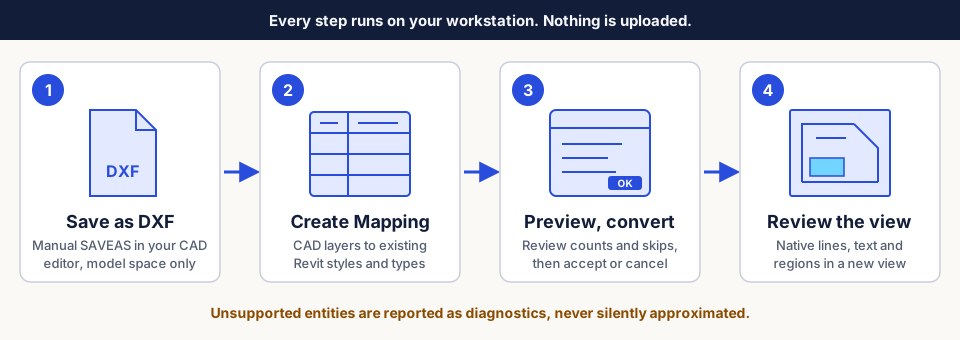
- Prepare a DXF and a disposable project
- Map CAD layers to approved Revit styles
- Preview and convert a detail
- Check supported input and troubleshooting when something is skipped
What to expect
- Everything runs locally in Revit. No uploads, AutoCAD plug-in or CAD automation.
- Output is a new drafting view with native detail curves, text notes and explicitly mapped filled regions. Existing styles and types are never changed.
- Unsupported entities, missing mappings and invalid geometry produce visible diagnostics. A partial conversion is not a fidelity guarantee.
This site offers no downloads, subscriptions, activation or accounts. See privacy and validation status.
Asset packs
Bought a Xenon Labs guide, checklist or workbook? Go to Asset packs for a visual quick start for every pack.